

Shift At Midnight Night 2 Walkthrough — News Clues, the Generator, and the First Hunt
Read the nightly newspaper before opening, verify each customer against both the database and that run's headline, reset the rear generator when prompted, and prepare the doors, traps, and guns immediately if an entity alert begins.
Night 2 adds a new evidence source: a newspaper headline that is valid only for the current shift. The headline and customer order are randomized, so this guide focuses on the fixed decision process and uses two verified headline variants to show how it works.
Start-of-shift setup
N2-M01 — Read and remember tonight's headline
Before opening the store, interact with The Midnight News on the notice board and read the entire local story. Do not carry a headline over from another run. Verified Night 2 examples included West Bridge Shut Down and Joe's Diner Burnt Down, which proves that the fact itself can change while the rule stays the same.
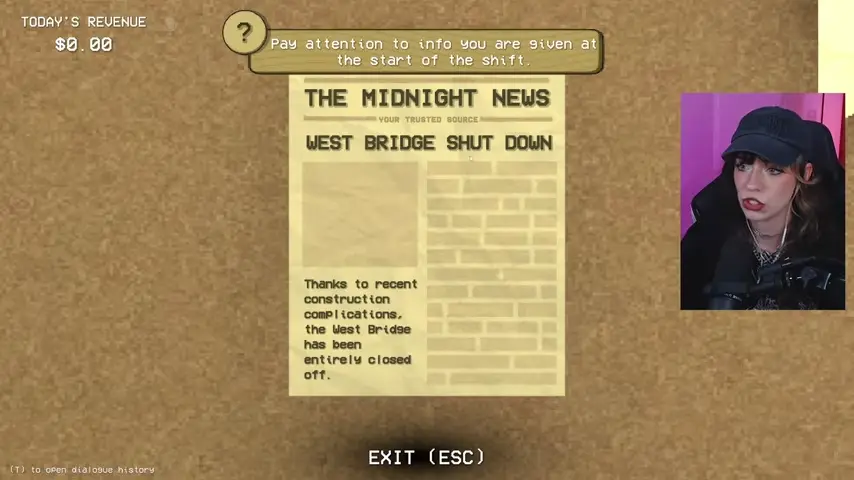
The exact headline can differ, but every statement made by a customer must agree with the notice shown in your shift.
N2-O01 — Restock before the queue builds
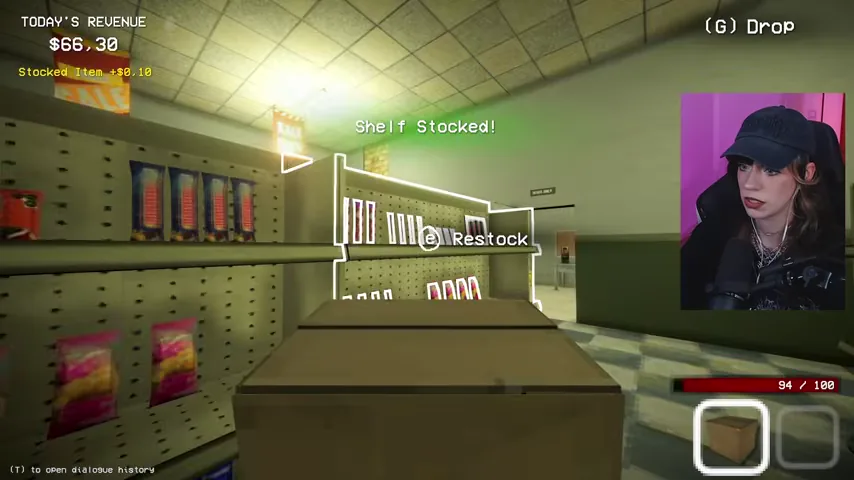
Finish any visible shelf-restocking prompts before serving the first customer. Keeping the shelves supplied protects store revenue and prevents a routine delivery task from distracting you during an identity check.
N2-O02 — Spend only on upgrades you can afford
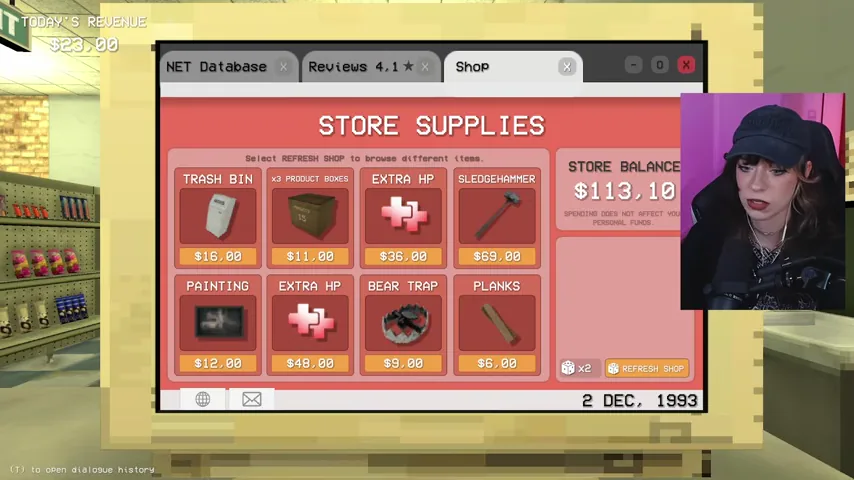
The computer's Shop tab offers store supplies, decor, medical items, a sledgehammer, planks, and refreshes. Decor can improve the store rating, but it is optional; never spend the money you still need for Timmy's medicine or survival equipment.
The customer-checking loop
Use this order on every customer: ID scan → database record → portrait and physical description → interview answers → nightly headline → final decision. A rude or strange personality is not evidence by itself.
N2-M02 — Scan the ID and find the matching database record
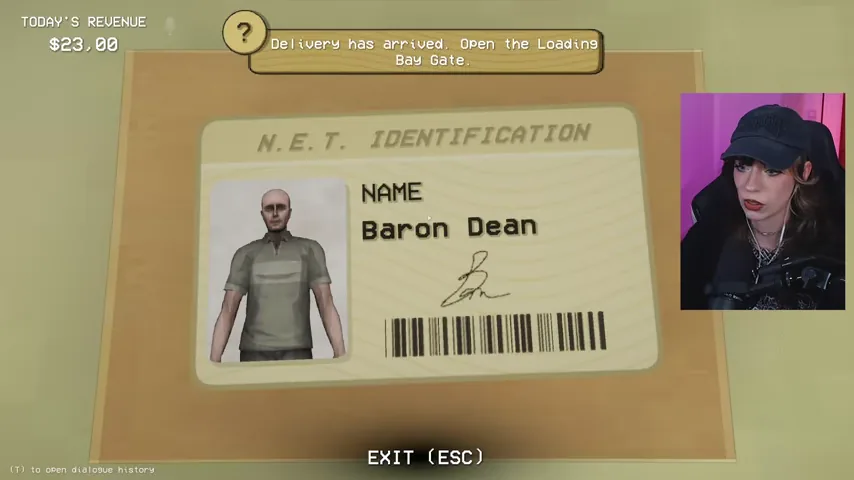
Inspect the card first, then search the exact name on the N.E.T. computer. Match the portrait, name, status, occupation, and every listed physical trait. A valid scan is only the start of the check; a person can still contradict the corresponding record.
N2-M03 — Test every answer against human limits and the record
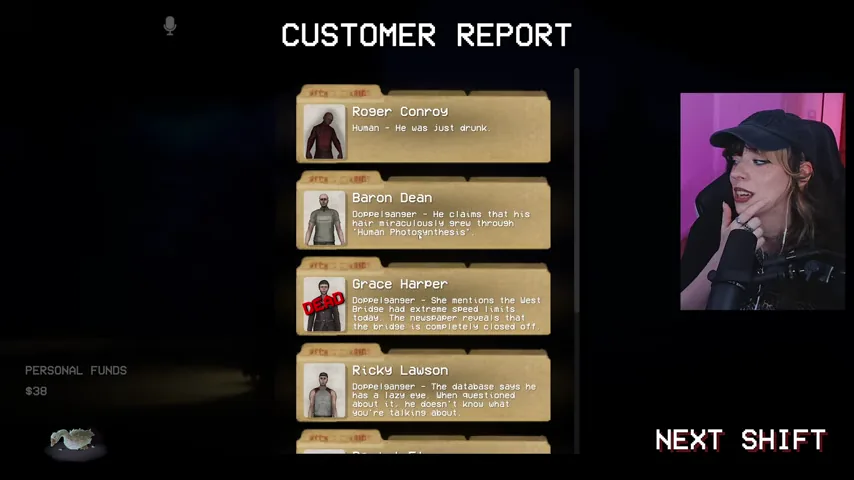
Ask about the trait that looks wrong instead of guessing from appearance. Treat a literally impossible explanation as evidence. In one verified run, a customer explained regrown hair as "human photosynthesis"; the end-of-shift report confirmed that this impossible answer identified a doppelganger.
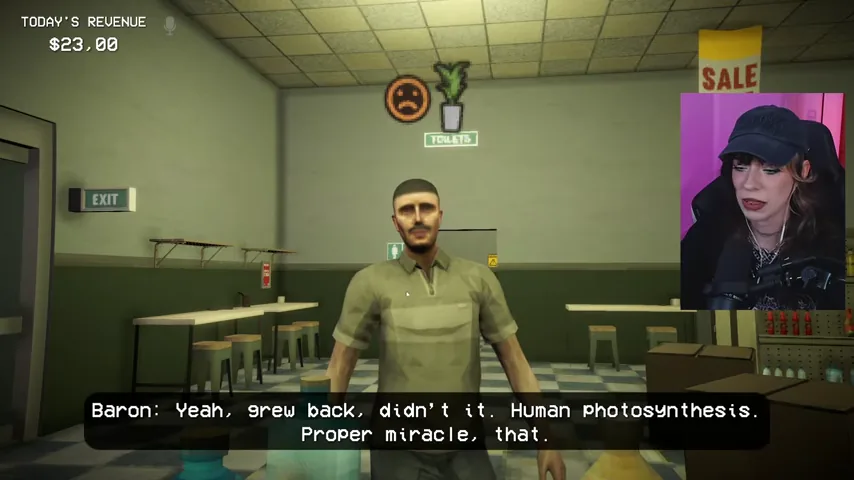
N2-M04 — Compare travel and workplace claims with tonight's news
Listen for any statement that touches the headline. If the paper says West Bridge is entirely closed, a customer claiming to have driven across it is contradicting the shift evidence. If the paper says Joe's Diner burned down, someone claiming to have just clocked out there is equally impossible. Reject the contradiction shown in your run, not the example you remember from a video.
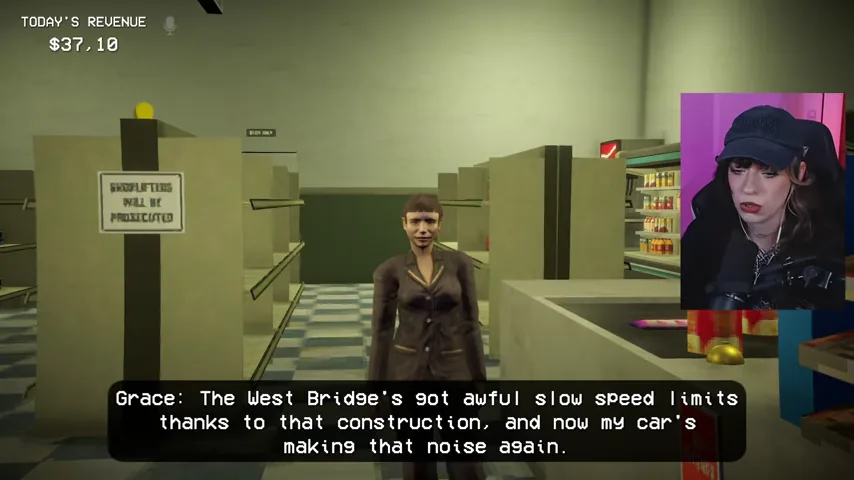
Generator sabotage event
N2-M05 — Respond when the generator objective appears
Partway through the shift, the lights can fail and the objective states that the store generator has been tampered with. Stop the current routine task and go through the rear exit; the reset is outside at the back of the building.
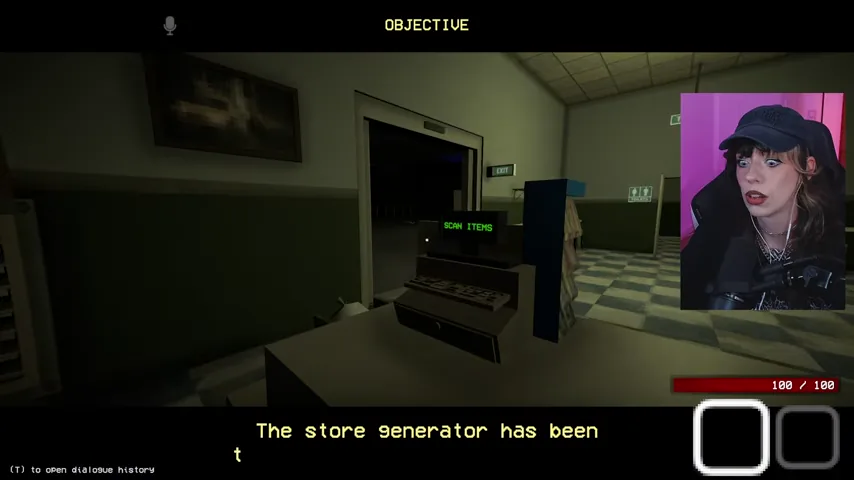
N2-M06 — Interact with the rear generator panel
Follow the outside wall to the large generator and use the highlighted small panel. Wait for the reset to complete, then return through the rear door. The panel is the required interaction; circling the generator or checking the fuel pumps does not restore the store.
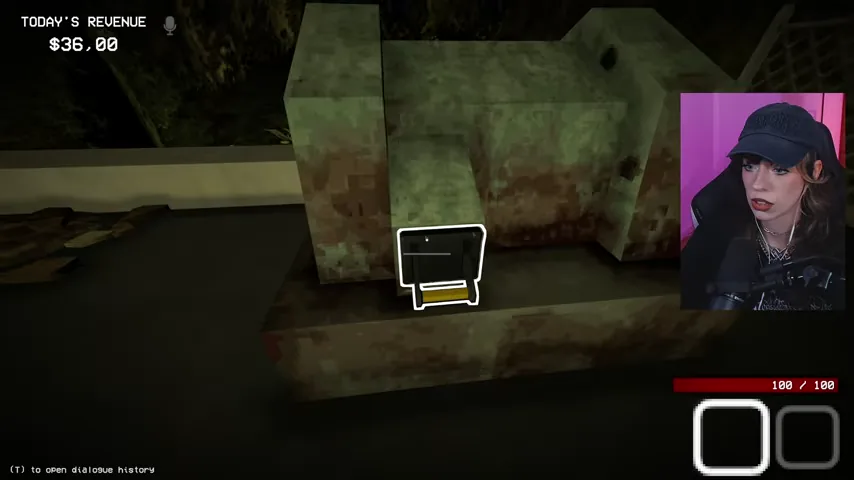
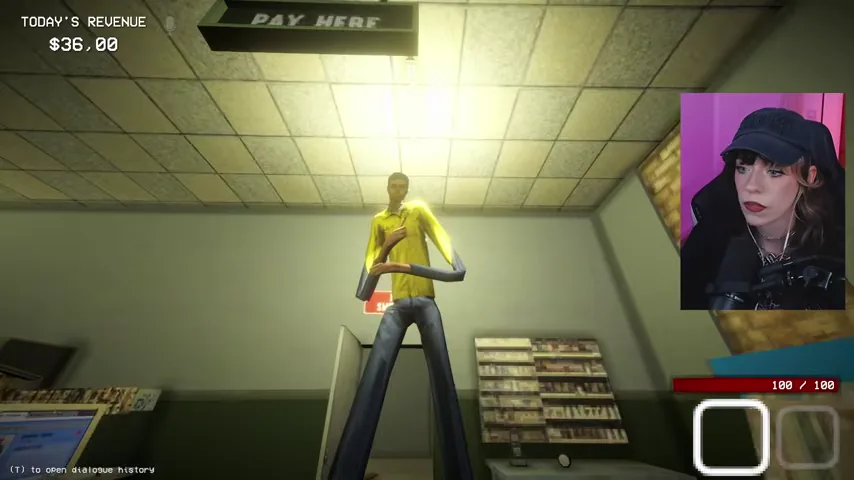
N2-M07 — Inspect the tall intruder after power returns
When you re-enter, a very tall figure may be standing inside the shop. Do not assume it is a normal customer or coworker just because it is not at the counter. Keep a weapon ready, watch whether it moves closer, and treat an attack as confirmation of an entity.
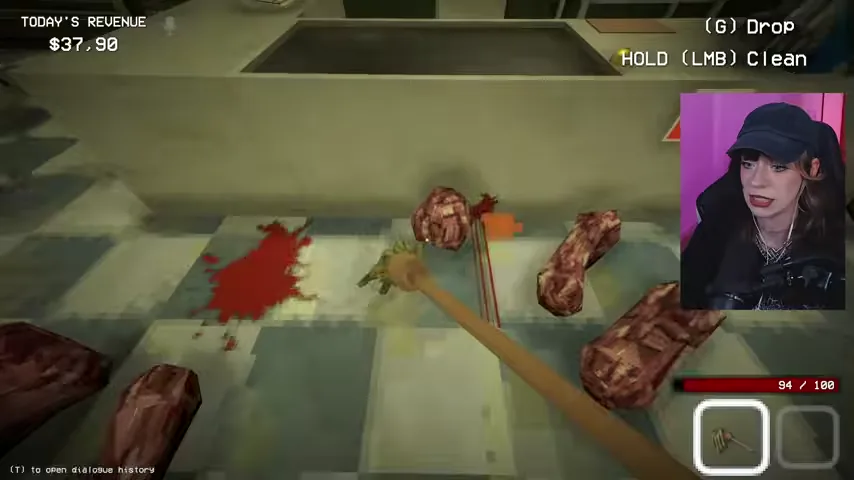
N2-O03 — Clean evidence without abandoning the queue
After a hostile entity or mistaken shot leaves blood and body parts, pick up the mop and clean every marked patch. Finish the cleanup promptly, but keep checking the entrance so the next customer does not reach the counter unnoticed.
High-confidence anomaly checks
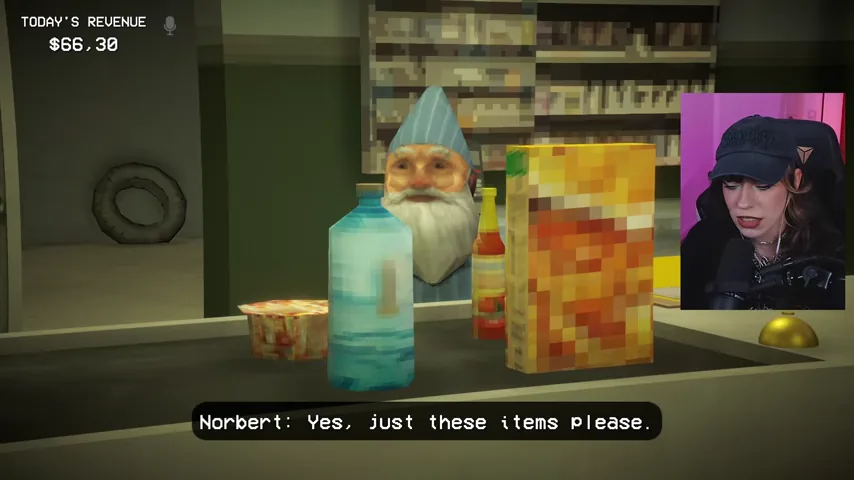
N2-M08 — Reject the customer who takes over your cashier role
One anomaly can walk behind the counter, speak your cashier lines, and try to scan your items. This is not ordinary customer behavior. Norbert's role reversal is a direct behavioral contradiction, so keep distance and prepare to eliminate the entity.
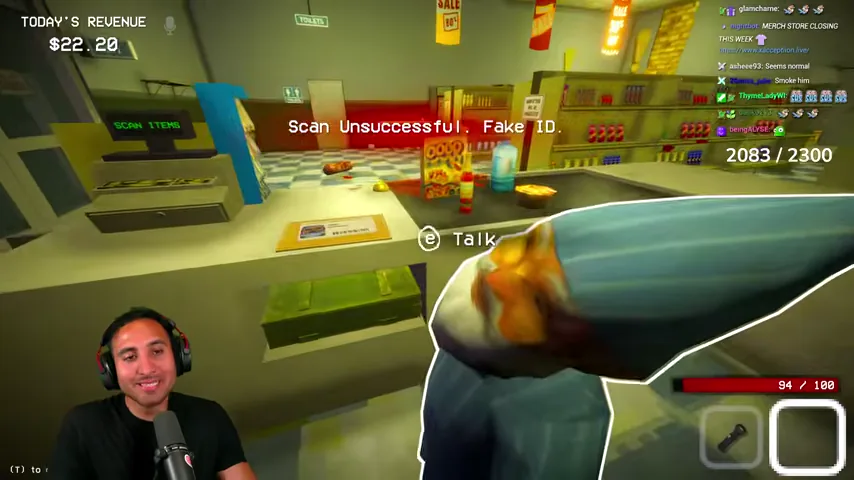
N2-M09 — Treat a failed scan or missing record as decisive evidence
Scan the suspicious ID even when the appearance is already abnormal. If the register displays Scan Unsuccessful: Fake ID, or the exact name has no matching database record, the identity check has failed. Do not substitute a similarly named record and do not let the customer through.
N2-M10 — Verify unusual uniforms instead of shooting on sight
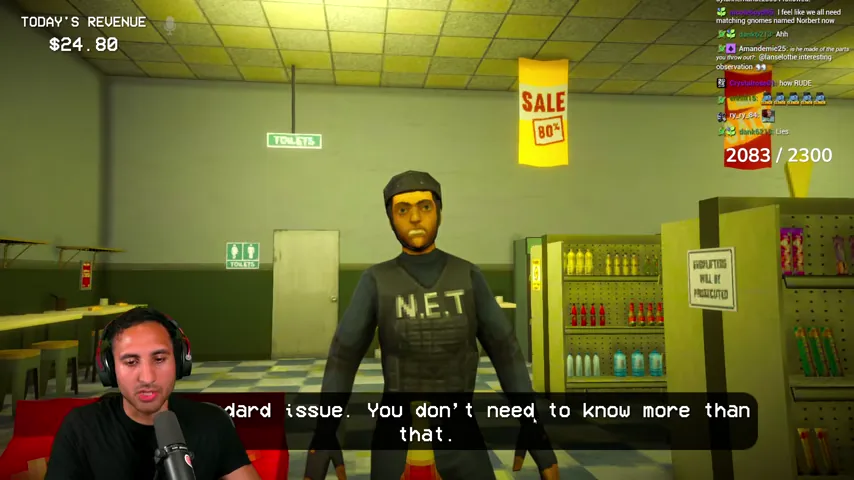
An N.E.T. officer can be abrasive and still be legitimate. Search the name, compare the N.E.T. uniform and job description, ask about any questionable trait, and approve only when the full record agrees. This prevents an unnecessary human casualty near the end of the shift.
Conditional hunt: only if the red alert appears
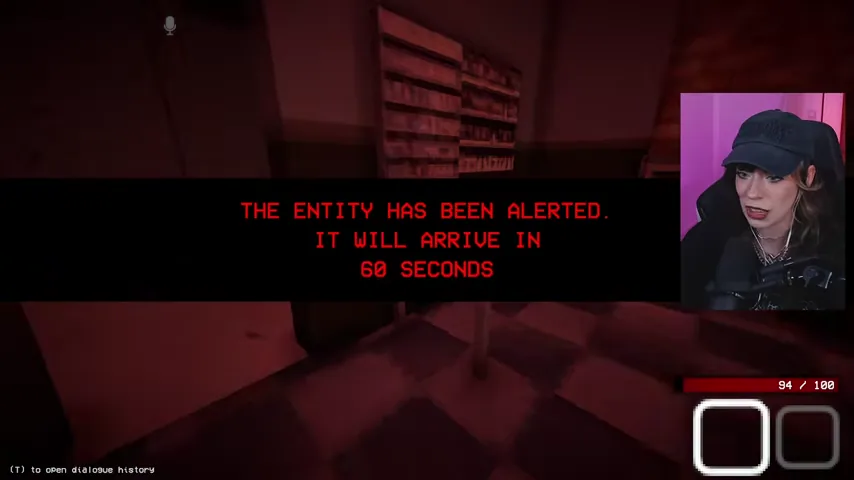
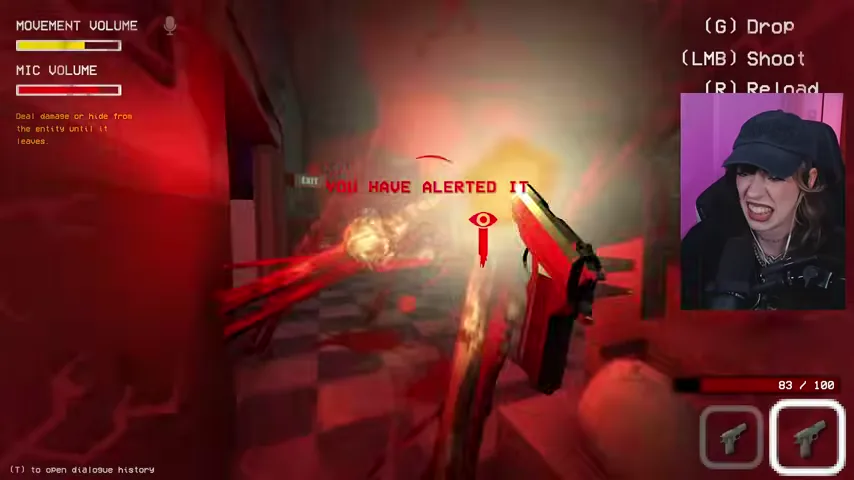
The two verified runs did not enter a hunt at the same point. Treat this section as an immediate branch: follow it only when the screen turns red and announces that the entity has been alerted.
N2-M11 — Drop routine tasks when the entity alert starts
The alert gives roughly one minute before the entity arrives. Stop restocking and customer cleanup immediately. Move to the storage room and use the countdown for defenses rather than waiting to see where the enemy enters.
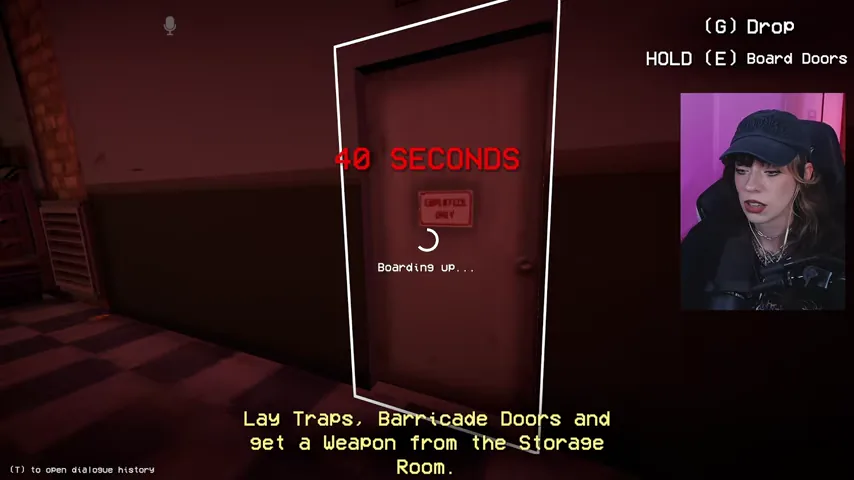
N2-M12 — Barricade an exterior door
Pick up planks from the storage room, face an exterior door, and hold the board-door interaction until the progress completes. A half-finished barricade does not protect the entrance, so confirm the boards are visibly fixed before moving on.
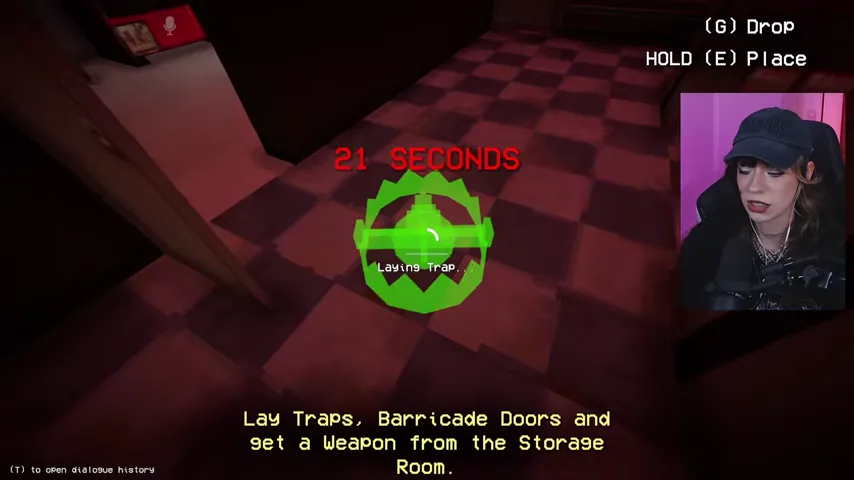
N2-M13 — Place traps on the approach route
Collect the available traps and place them on a route the entity must cross, such as the floor inside a defended entrance. Do not stack them where shelving or the counter prevents the enemy from reaching them.
N2-M14 — Take the guns, track the marker, and finish the entity
Use the remaining countdown to take the storage-room firearms. When the hunt starts, follow the red entity marker, fire until the target drops, and reload instead of standing in melee range with an empty weapon. Surviving quickly can award the first-hunt and under-30-seconds achievements.
End the shift and prepare for Night 3
N2-M15 — Clean the store and go to the bus
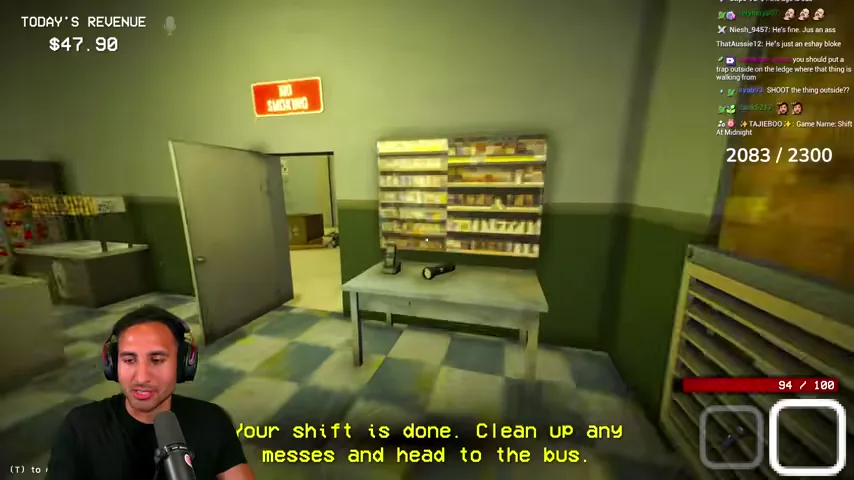
When the objective changes to Your shift is done, clean all remaining messes and complete any essential restock that is already in progress. Then leave through the designated exit and board the bus; lingering in the store adds no evidence to the finished shift.
N2-M16 — Read the customer report before continuing
On the results screen, inspect every customer entry. The report explains which accepted customer was a doppelganger and names the failed clue, such as an impossible biological claim, a fake ID, a missing record, a physical mismatch, or a contradiction with the nightly news. Use those exact mistakes to tighten your Night 3 checking order.
N2-M17 — Memorize the Dentist survival warning
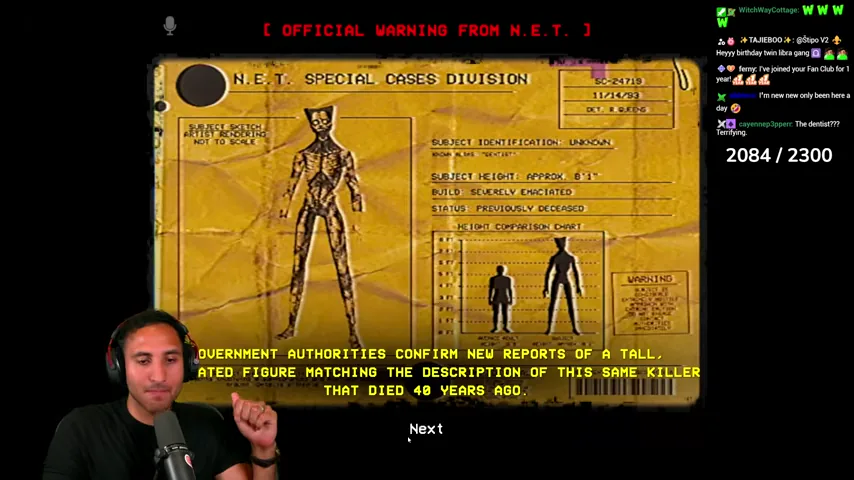
The post-shift N.E.T. bulletin introduces the Dentist: a tall, emaciated figure with a broken jaw, bloodied bandaged hand, and cracking skin. The bulletin's survival rule is explicit: do not hide, do not speak, and do not look back—run. Carry this rule into Night 3 instead of treating the bulletin as optional lore.
Night 2 failure recovery
- You killed a human: review whether you relied on clothing, attitude, or one flexible habit instead of the full database record.
- You accepted a doppelganger: check the report for the missed clue and add it to the fixed verification order.
- The headline seemed wrong: the story is randomized; return to the notice board and apply the version visible in the current shift.
- The hunt timer expired: move directly from alert to planks, traps, and guns. Do not finish a shelf or mop task first.
- The generator event caused confusion: use the rear exit, interact with the small outdoor panel, and inspect the store immediately after returning.
Chapter navigation